
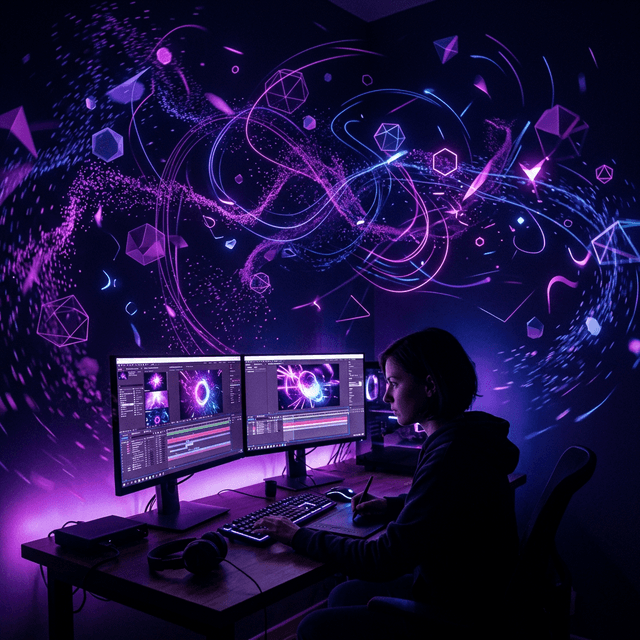
What is Motion Graphics?
Motion graphics bring static designs to life through animation. They are used in explainer videos, social media content, title sequences, and advertisements.
After Effects vs. Other Tools
| Tool | Best For |
|---|---|
| After Effects | Complex animations, compositing |
| Premiere Pro | Video editing and assembly |
| Canva | Quick social media graphics |
Core After Effects Concepts
Compositions
Think of a composition as your canvas. It has a size (1920x1080) and duration.
Keyframes
Keyframes define property values at specific points in time. Between keyframes, After Effects interpolates smoothly.
The Timeline
Your animation lives in the timeline. Layers stack on top of each other like Photoshop.
Essential Animation Techniques
- Position Animation – Move elements across the screen
- Scale Animation – Grow or shrink elements
- Rotation – Spin elements
- Opacity – Fade in/out elements
- Easy Ease – Apply smooth acceleration with F9
First Project: Animated Logo
- Import your logo SVG
- Create a 5-second composition
- Animate scale from 0% to 100% at 0:00–0:15
- Add opacity keyframes for a fade-in
- Apply Easy Ease to both keyframe sets
- Export via Render Queue as H.264
Resources for Learning
- Adobe's official After Effects tutorials (free)
- Motion Array's tutorial library
- School of Motion (premium but excellent)
Frequently Asked Questions
No, they are complementary tools. You can start with After Effects independently.
Basic proficiency takes 1-3 months of consistent practice.